
How to download the YouTube app on PC
Want to open YouTube like a real app, without going through the browser every time? On a PC or laptop, you can download the YouTube app in a few clicks from Google Chrome, thanks to web app installation. Here's how to do it, step by step.
Prefer a video? Watch the full tutorial below.
Installing the YouTube app on PC, step by step
Open YouTube in Chrome
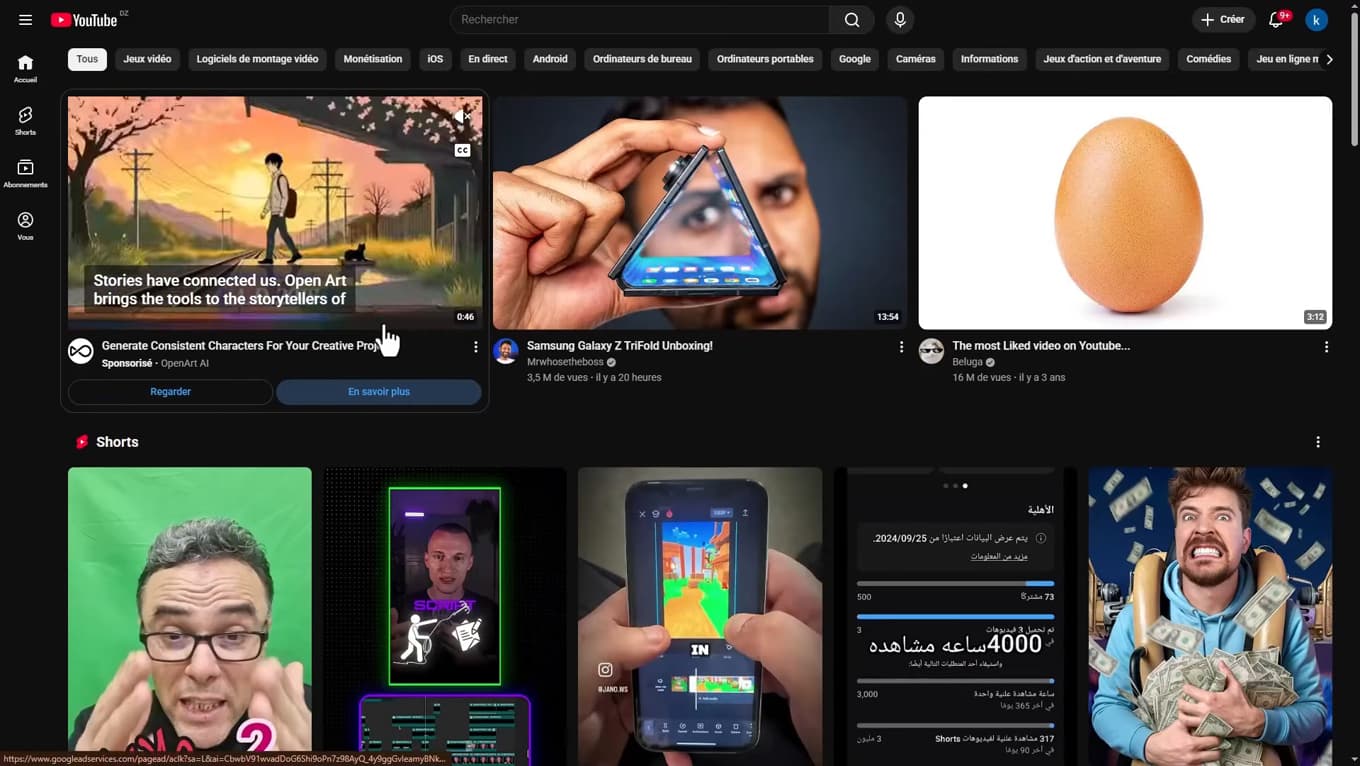
Open youtube.com in Chrome on your computer. On your PC, open Google Chrome and go to the official site "youtube.com".
Find the install icon
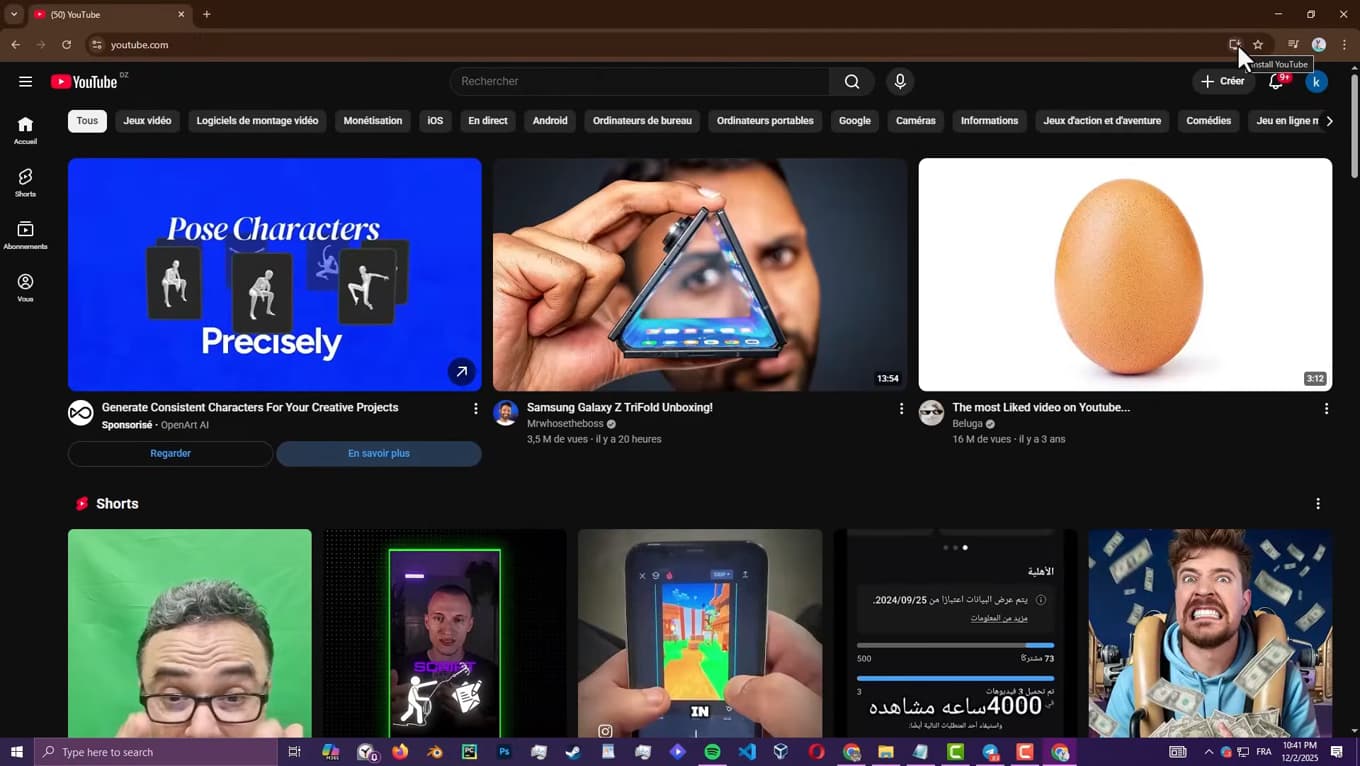
The install icon is on the right of the address bar. In the top right, in the address bar, look for the small install icon (a screen with an arrow) or the "Install YouTube" message. Click it.
Click "Install"
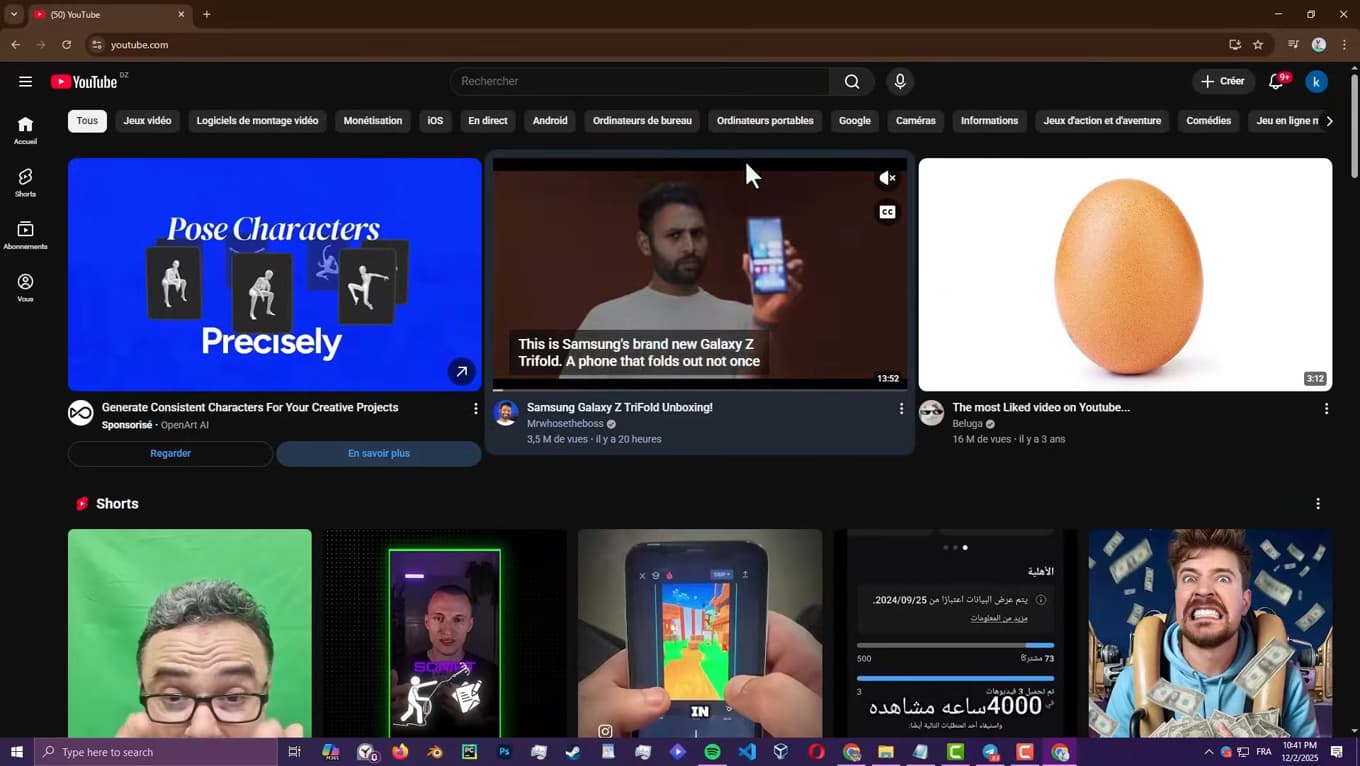
Confirm with "Install" to add the app. A window opens: click "Install". YouTube then downloads like a real app.
YouTube opens like an app
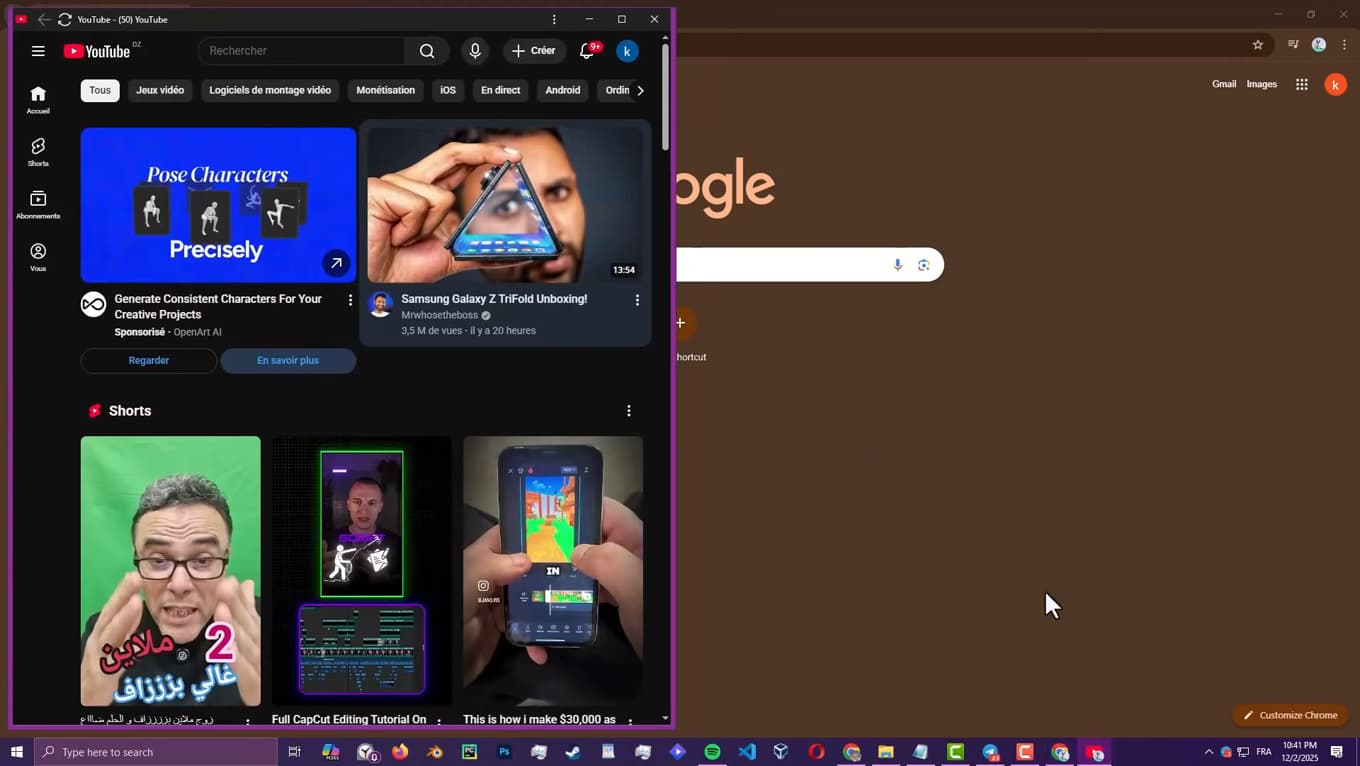
YouTube opens like an app, in a dedicated window. YouTube now opens in its own window, separate from the browser. You can pin it to the taskbar or add it to the desktop for faster access.
Good to know
The installed YouTube app is actually a web app (PWA): it updates itself and takes up very little space, while offering the comfort of a real app.
Good to know
- The same method works with Microsoft Edge (install icon in the address bar).
- To uninstall it, open the app, click the three dots, then "Uninstall".
- The install icon only appears on the official site youtube.com, not on a standalone video page.
Frequently asked questions
- Is there a real YouTube app for PC?
- There's no traditional app to download, but Chrome and Edge let you install YouTube as a web app (PWA), which opens in its own window like a native app.
- Why don't I see the install icon?
- Make sure you're on the official youtube.com site (not on an embedded video) and using an up-to-date Chrome or Edge. The icon then appears on the right of the address bar.
- Does the app take up a lot of space?
- No. It's a very lightweight web app: it doesn't download videos, it simply displays YouTube in a dedicated window.
Related tutorials
 YouTubeHow to Download a YouTube VideoWant to watch a YouTube video offline? Here's how to download it using YouTube's official feature, step by step.
 YouTubeHow to change the quality of a YouTube videoIs a YouTube video blurry or using too much data? Here's how to change its quality, step by step.
 YouTubeHow to delete your search history on YouTubeWant to clear your searches and watched videos on YouTube? Here's how to delete your history, step by step.
 YouTubeHow to Find Your YouTube Channel LinkWant to share your YouTube channel link? Here's how to copy it, step by step.