
How to Delete a Conversation on TikTok
Want to clean up your private messages? You can delete a conversation on TikTok from your inbox. Here's how to do it, step by step.
Prefer a video? Watch the full tutorial below.
Deleting a conversation on TikTok, step by step
Open the Inbox
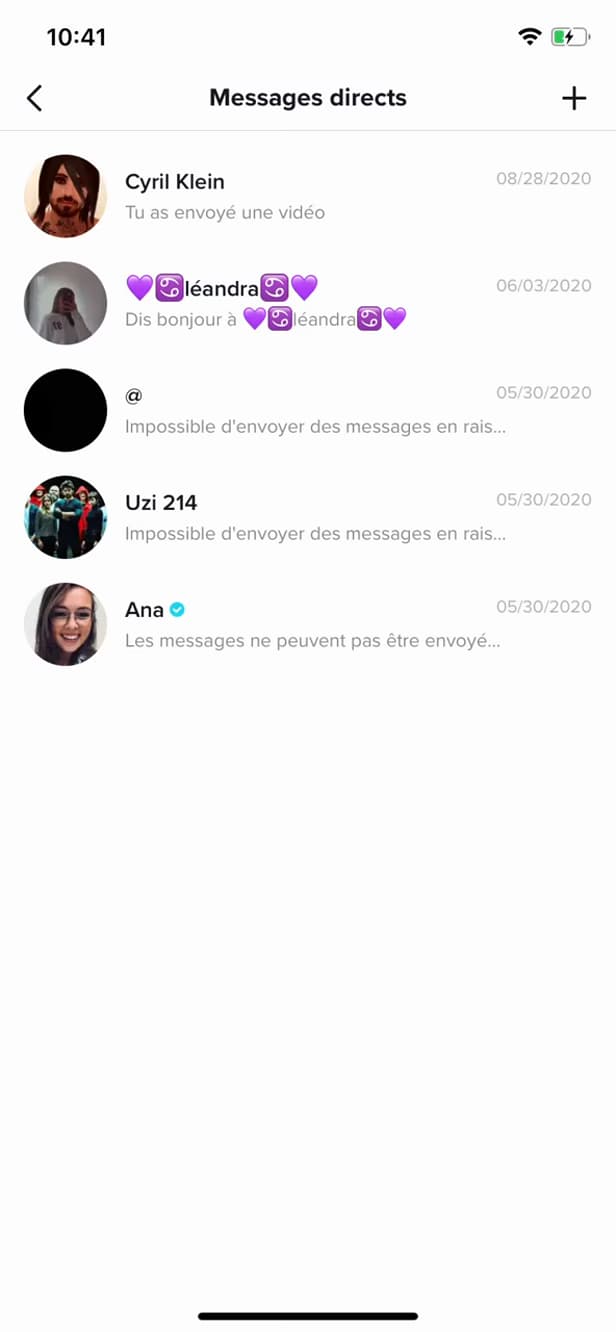
"Inbox" gathers your notifications and messages. Tap "Inbox", then open "Direct messages".
Find the conversation
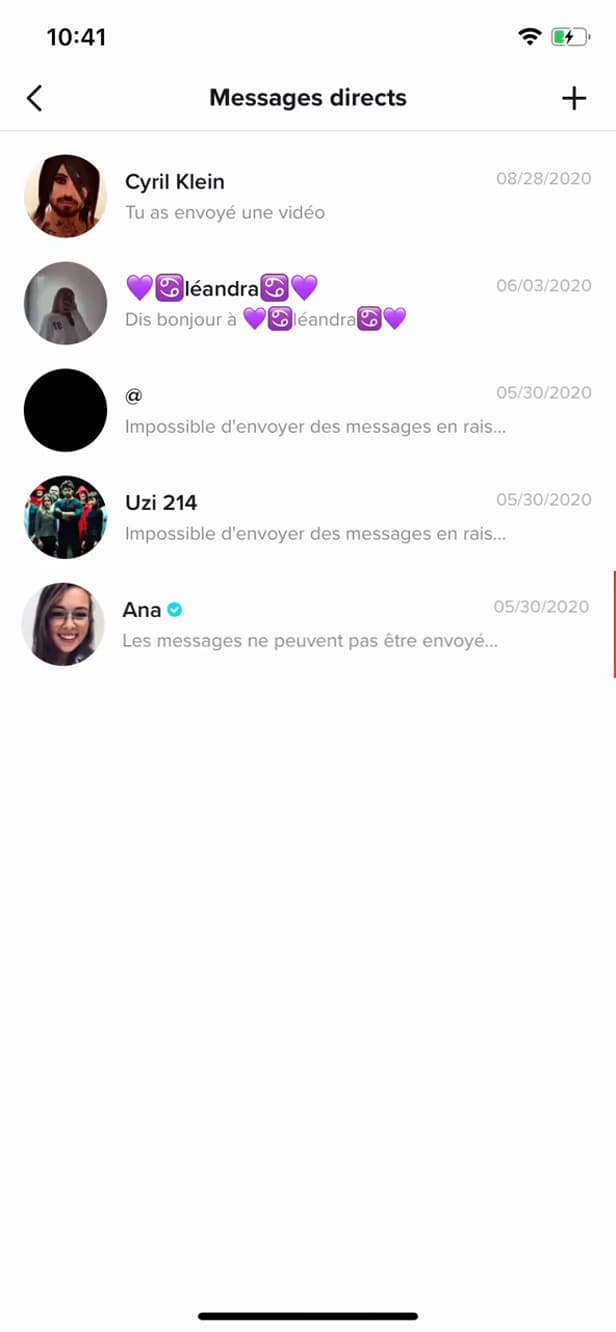
"Direct messages" lists all your private conversations. In "Direct messages", locate the conversation you want to delete.
Swipe and delete
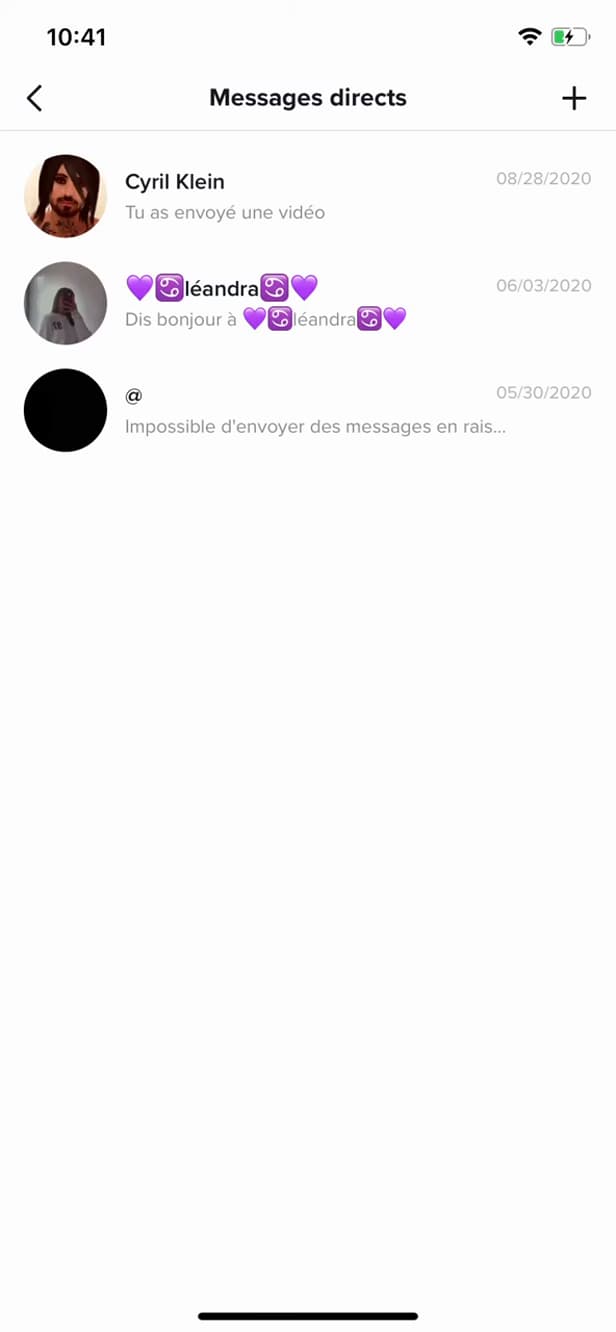
Swiping reveals the red "Delete" button. Swipe the conversation to the left, then tap "Delete".
Good to know
The conversation is "deleted" from your inbox. It disappears "on your side"; the other person keeps theirs.
Good to know
- Deleting only removes the conversation "on your side".
- You can also "block" the user to stop receiving their messages.
- "Reported" messages may be forwarded to TikTok moderation.
Frequently asked questions
- Does deleting clear the conversation on the other person's side?
- No. It only disappears from your inbox; the other person keeps the conversation.
- How do I stop receiving messages from someone?
- Block the user from their profile or the conversation: they'll no longer be able to send you messages.
- Can you recover a deleted conversation?
- No. Once deleted on your side, the conversation can't be recovered.
Related tutorials
 TikTokHow to Make Your TikTok Account PrivateWant to control who sees your TikTok videos? Here's how to switch your account to private, step by step.
 TikTokHow to Change the Font in Your TikTok BioWant a TikTok bio with stylish lettering? Here's how to change the font, step by step.
 TikTokHow to Save a TikTok Video as a DraftWant to save a TikTok video without posting it? Here's how to save it as a draft, step by step.
 TikTokHow to Add Music to Your TikTok VideoWant to put a sound on your TikTok video? Here's how to add music, step by step.