
How to Start a Snapstreak on Snapchat
Want to start a streak on Snapchat (the famous "Snapstreak" 🔥) with a friend? A streak appears when you send each other a snap "back and forth, several days in a row". Here's how to start it and keep it going, step by step.
Prefer a video? Watch the full tutorial below.
Starting a streak on Snapchat, step by step
Take a snap
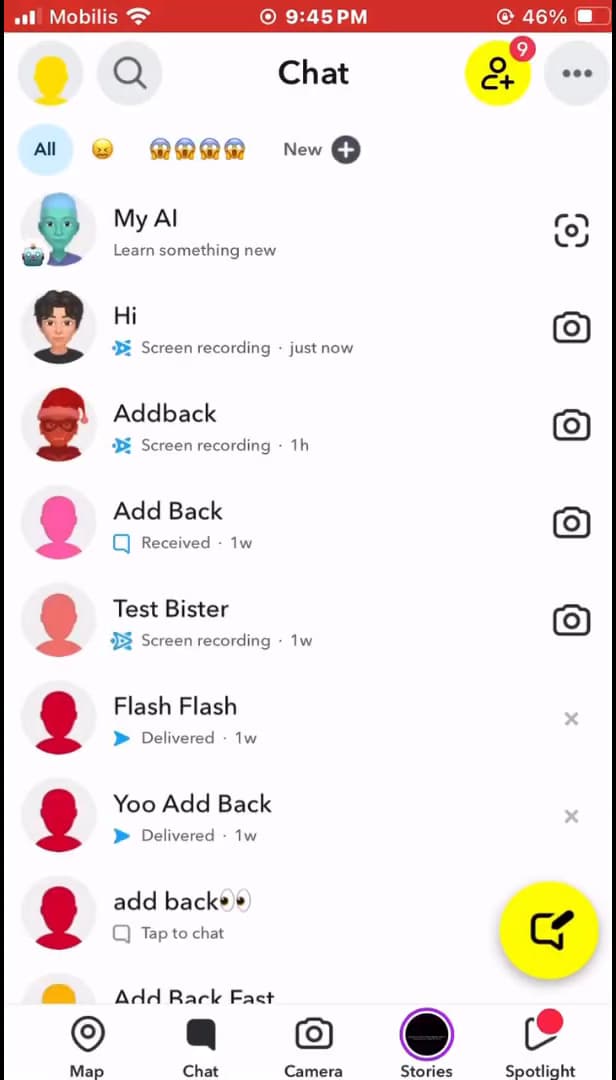
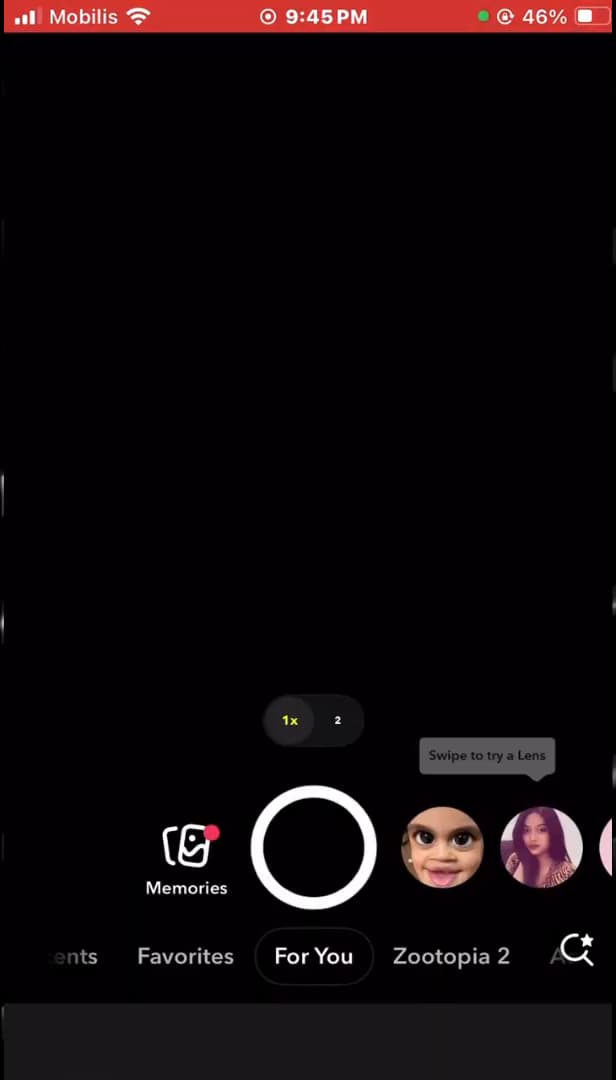
Only real snaps (photo/video) count toward the streak. Open "Snapchat" on the "camera" screen and take a photo or video. A "real snap" (photo or video) is required: Chat text messages "don't count" toward the streak.
Send it to your friend
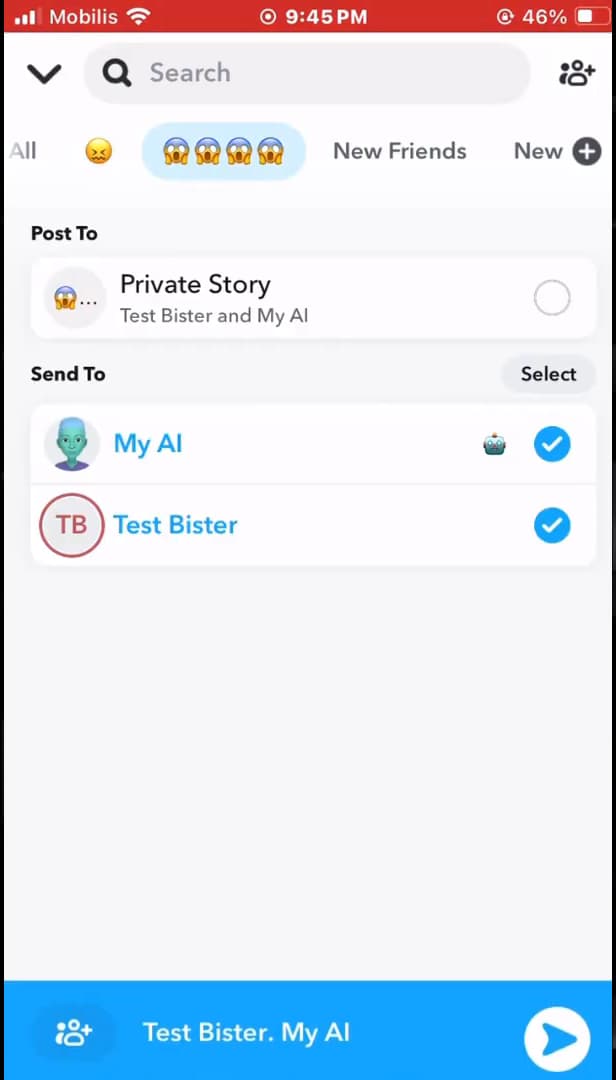
Select the friend and send: they'll need to reply with a snap. Tap "Send To", check the "name of the friend" you want the streak with, then confirm. To start a streak, you need to send each other a snap "back and forth, 3 days in a row".
Keep the streak alive every day
The flame and its counter show next to your friend's name. After "3 consecutive days" of exchanging snaps, the "flame 🔥" emoji and a counter appear next to your friend's name in Chat. Keep sending each other a snap "every 24h" so you don't lose it.
Good to know
A streak is built by two: "both friends" must send each other a snap every day. If one forgets for 24h, the streak "goes out". A small hourglass ⌛ warns you when it's about to expire.
Good to know
- Only "photo/video snaps" count: Chat messages, notes and calls don't count.
- The streak starts after "3 days" of mutual exchange and then shows the number of days.
- An "hourglass" ⌛ signals a streak about to be lost: send a snap quickly.
Frequently asked questions
- How long before the streak appears?
- After 3 consecutive days during which you and your friend each sent at least one snap. The 🔥 emoji and the counter then show next to the name.
- Why did my streak disappear?
- Because one of you didn't send a snap within 24 hours. The hourglass ⌛ warns you before it expires: as soon as it appears, send a snap quickly.
- Do text messages count toward the streak?
- No. Only real snaps (photo or video) count. Chat messages, voice notes and calls don't keep the streak going.
Related tutorials
 SnapchatHow to change your email address on SnapchatWant to change the email linked to your Snapchat account? Here's how to do it, step by step.
 SnapchatHow to Change the Language on SnapchatIs Snapchat in the wrong language? Here's how to change the app's language, step by step.
 SnapchatHow to Create a Group Chat on SnapchatWant to chat with several people on Snapchat? Here's how to create a group, step by step.
 SnapchatHow to Identify a Song on SnapchatIs music playing around you? Here's how to identify it with Snapchat (Shazam), step by step.