
How to Add a Person on Instagram
Want to follow a friend or an account? On Instagram, adding a person simply means "following" them. Here's how to find and add someone, step by step.
Prefer a video? Watch the full tutorial below.
Adding a person on Instagram, step by step
Search for the person
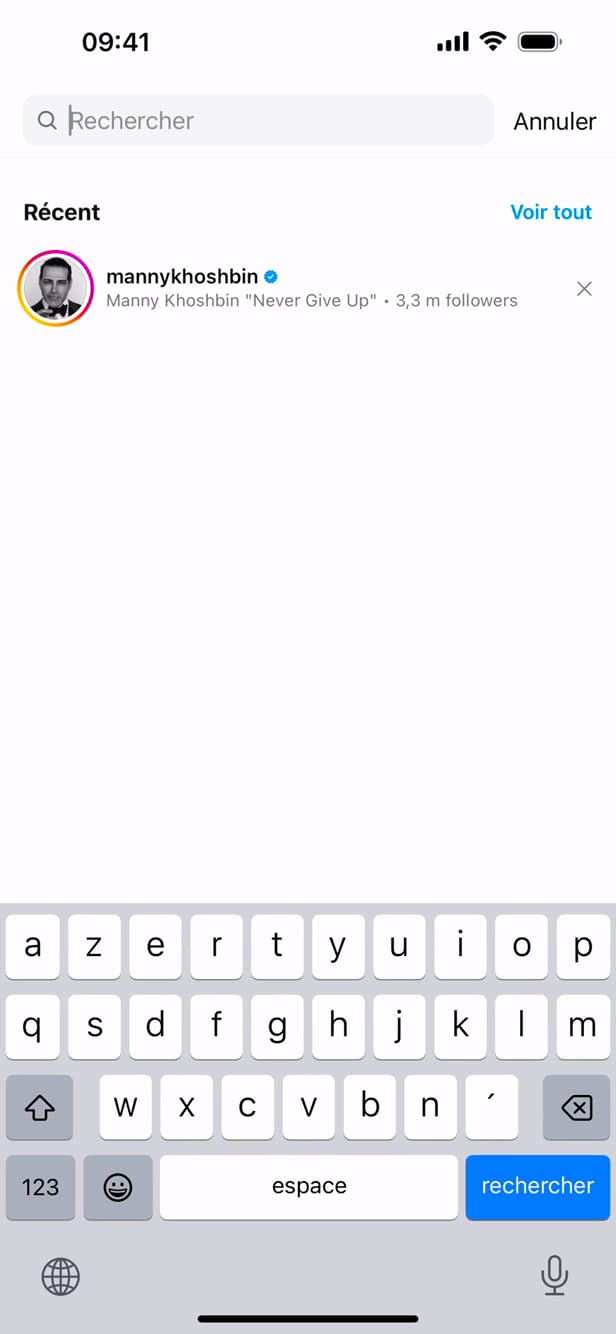
Search for the person via the magnifying glass, by name or username. Tap the "magnifying glass" (Search) at the bottom, then type their "name" or "username".
Open their profile and "Follow"
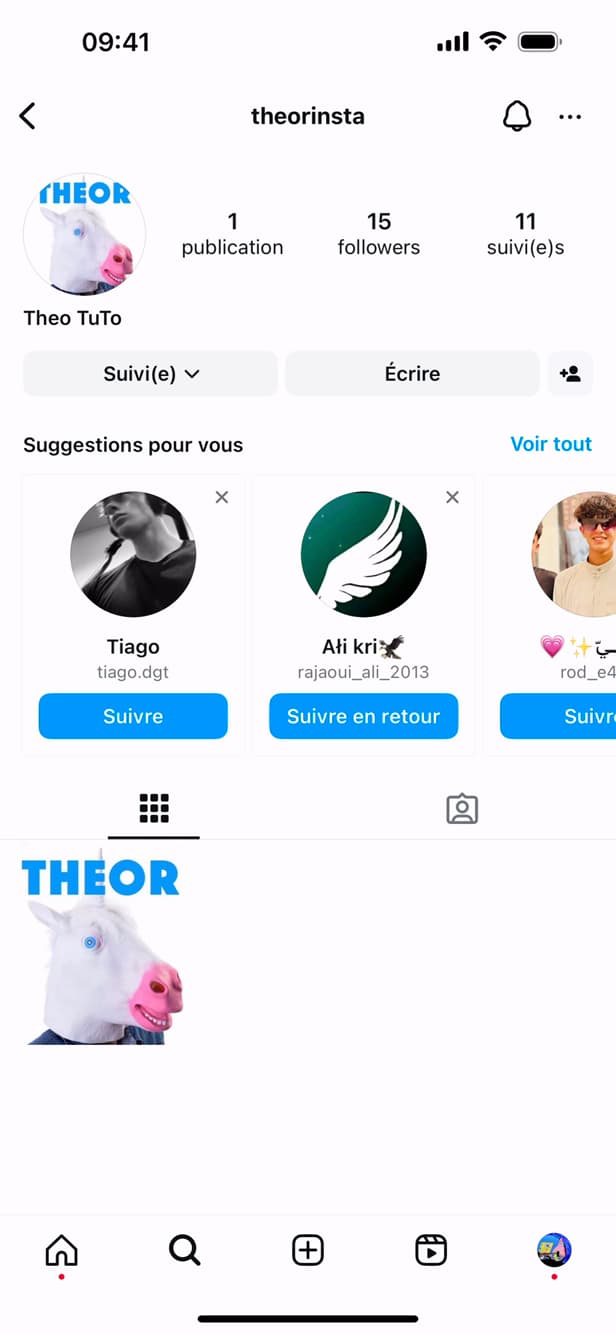
The "Follow" button adds the person to your following list. Open their "profile" from the results, then tap the "Follow" button.
Add from suggestions
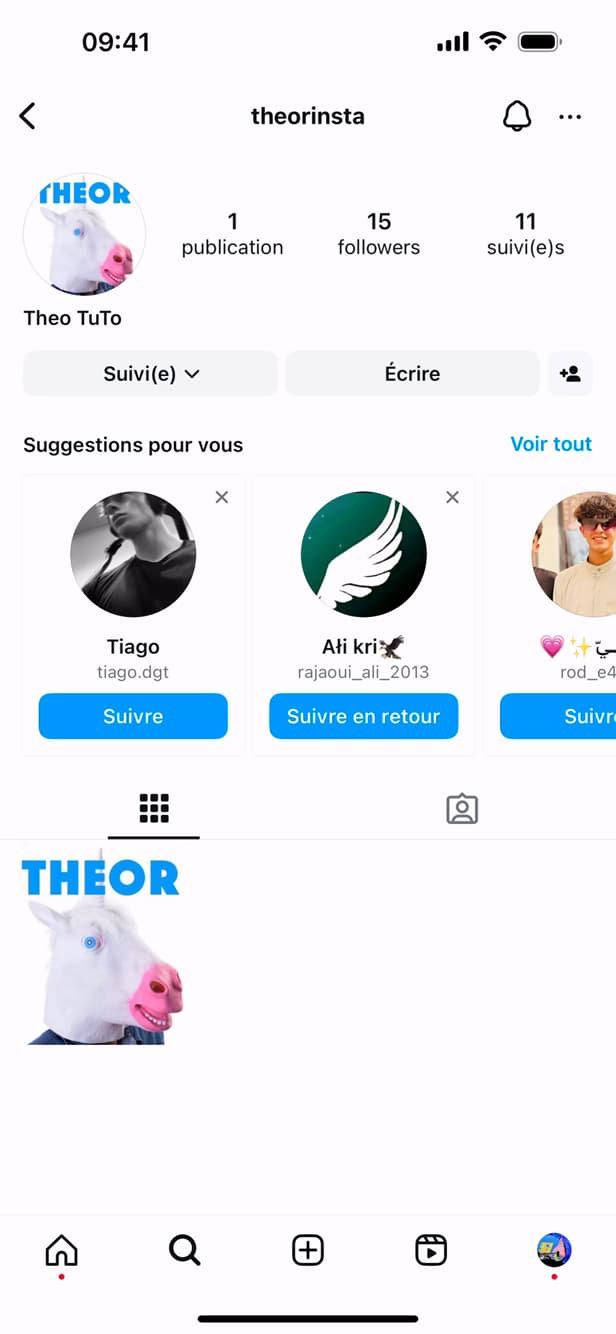
"Suggested for you" offers other accounts to add. You can also add accounts listed under "Suggested for you" by tapping "Follow".
Good to know
You now follow the person: their posts appear in your feed. If their account is "private", your request must first be "accepted".
Good to know
- For a "private" account, you send a request that the person must "accept".
- "Suggested for you" is based on your contacts and mutual follows.
- You can "unfollow" at any time from the profile.
Frequently asked questions
- Are following and adding the same thing on Instagram?
- Yes. Unlike some other networks, "adding" someone on Instagram simply means following them.
- Why don't I see their posts after following them?
- Their account may be private: your request has to be accepted. Otherwise, their posts will gradually appear in your feed.
- Is the person notified?
- Yes, they receive a notification letting them know you started following them.
Related tutorials
 InstagramHow to See Your Liked Posts on InstagramWant to find the posts you've liked on Instagram? Here's how to view them, step by step.
 InstagramHow to Share a Link in an Instagram StoryWant to add a clickable link to your Instagram story? Here's how, step by step.
 InstagramHow to change your bio on InstagramWant to edit your Instagram profile bio? Here's how to do it, step by step.
 InstagramHow to Change Your Instagram Account LanguageInstagram showing in the wrong language? Here's how to change the app's language, step by step.