
How to Create a Leboncoin Account
Want to buy, sell, or rent on France's biggest marketplace? Creating a Leboncoin account is free and takes less than two minutes: all you need is an email address and a phone number to verify. Here's how to do it, step by step.
Prefer a video? Watch the full tutorial below.
Creating a Leboncoin account, step by step
Open Leboncoin and start with an email
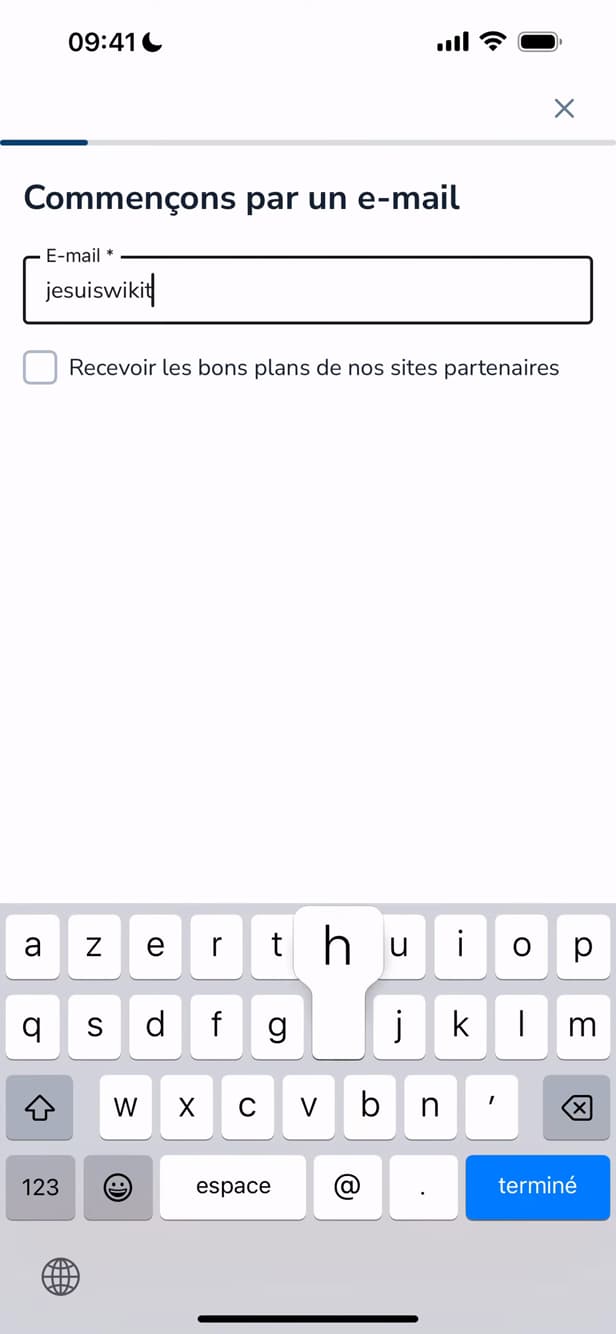
Account creation starts with your email address. Download and open the "Leboncoin" app (free on the App Store or Play Store). Tap "My account", then "Create an account". On the "Let's start with an email" screen, enter your "email address" and continue.
Set your password
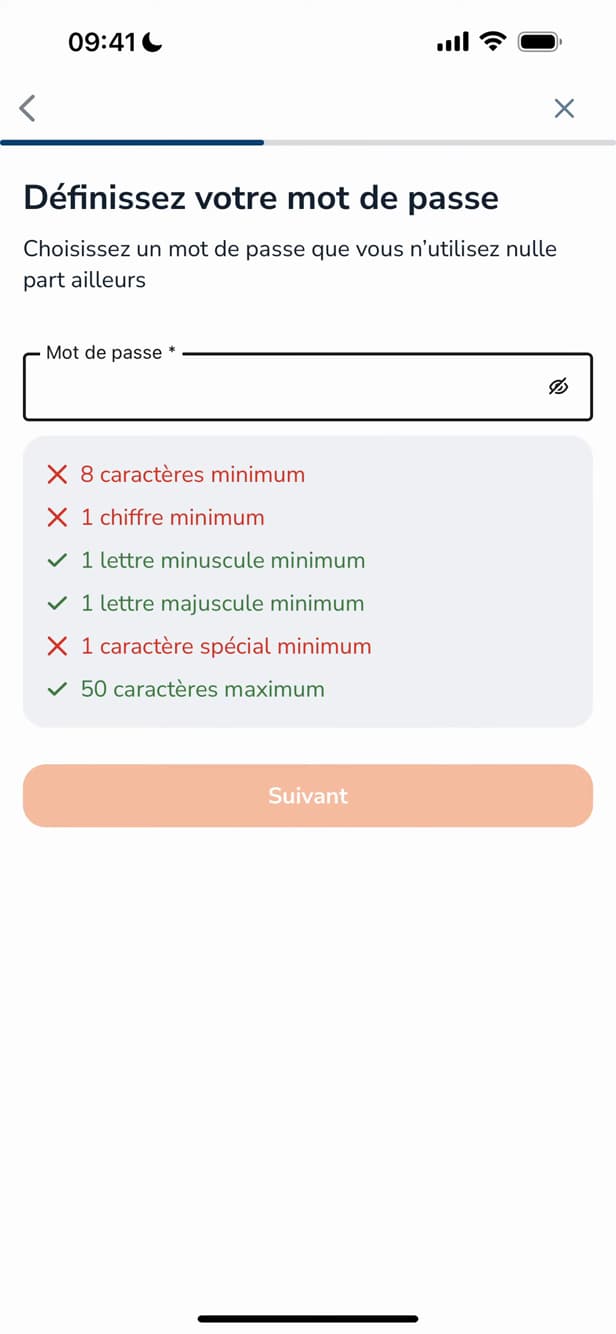
Choose a password that meets all the criteria shown. After verifying your email with the code you receive, choose a "password" that meets the criteria shown (at least 8 characters, one uppercase letter, one number, one special character, and so on), then tap "Next".
Verify your phone number
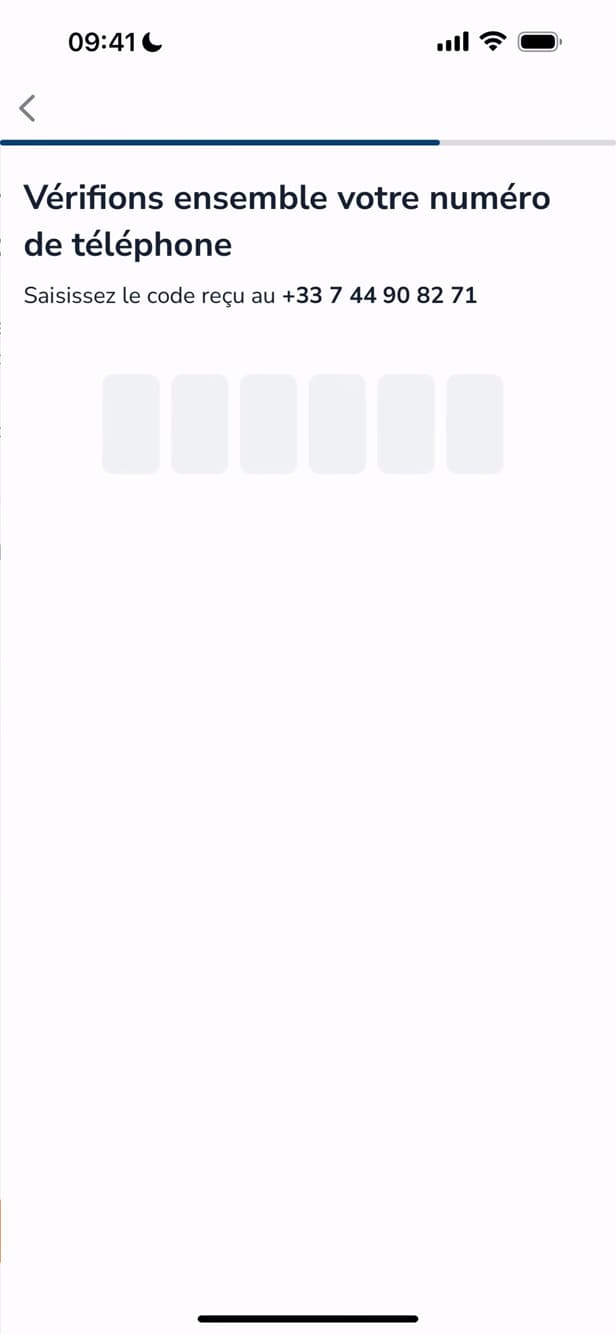
An SMS code confirms your phone number. Enter your "phone number". Leboncoin sends you a "code by SMS": enter it to confirm your number.
Your account is created
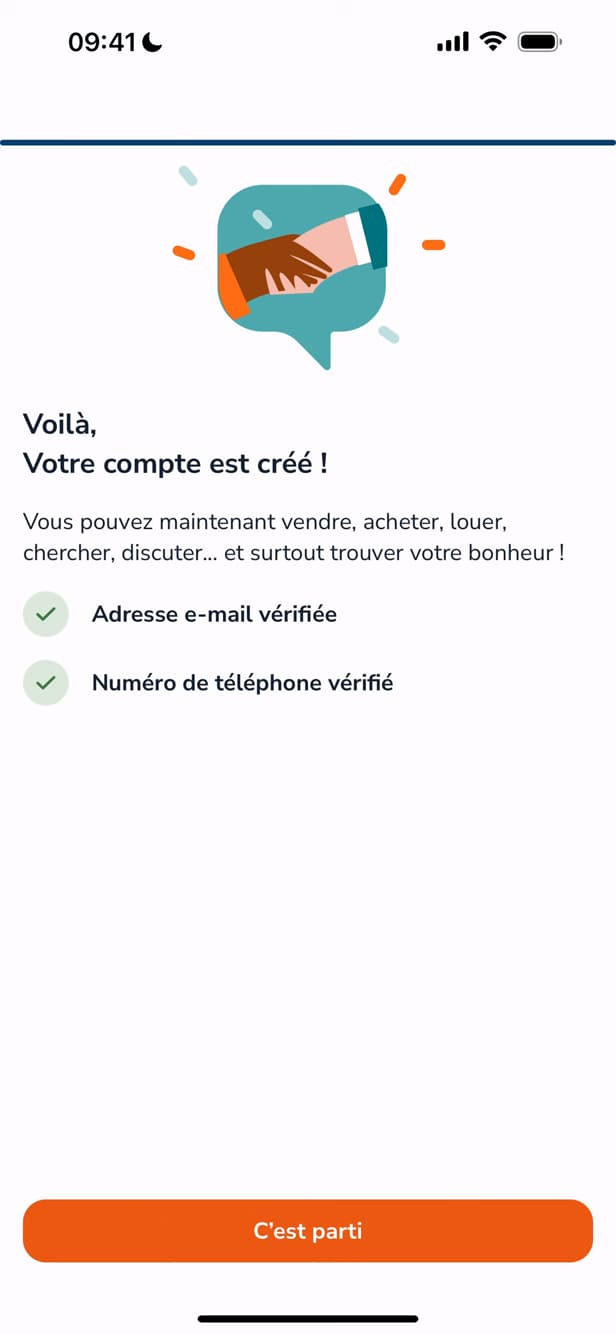
Email and number verified: your Leboncoin account is ready. That's it: your "email and number are verified", and your Leboncoin account is created. Tap "Let's go" to start buying or posting a listing.
Good to know
Your account is ready: you can now "post a listing", contact sellers, and manage your favorites. Consider completing your profile to build trust with buyers.
Good to know
- Creating an account and posting listings between private individuals are "free".
- A "verified phone number" is required: it secures your account and reassures buyers.
- Fill in your "personal details" (name, location) for smoother transactions.
Frequently asked questions
- Is creating a Leboncoin account free?
- Yes. Creating an account is free, as is posting listings between private individuals. Only some promotion options are paid.
- Is a phone number mandatory?
- Yes. Leboncoin verifies your number by SMS during sign-up: it's a mandatory security step that protects your account and reassures other users.
- Can I create a Leboncoin account from a computer?
- Yes, the process is the same on the leboncoin.fr website: email, password, then phone number verification. The mobile app remains the handiest option.
Related tutorials
 LeboncoinHow to change your Leboncoin passwordWant to change your Leboncoin password? Here's how to change it safely, step by step.
 LeboncoinHow to Change Your Phone Number on LeboncoinGot a new number? Here's how to update it on Leboncoin, step by step.
 LeboncoinHow to change your username on LeboncoinWant to change the display name shown on your Leboncoin listings? Here's how to do it, step by step.