
How to recover deleted emails on Gmail
Deleted an important email by mistake? On Gmail, you can often get it back. As long as it's in the trash, you can restore it in one click; if it's been permanently erased, an official tool can still help. Here's how to recover deleted emails on Gmail, step by step.
Prefer a video? Watch the full tutorial below.
Recovering deleted emails on Gmail, step by step
Open Gmail on desktop
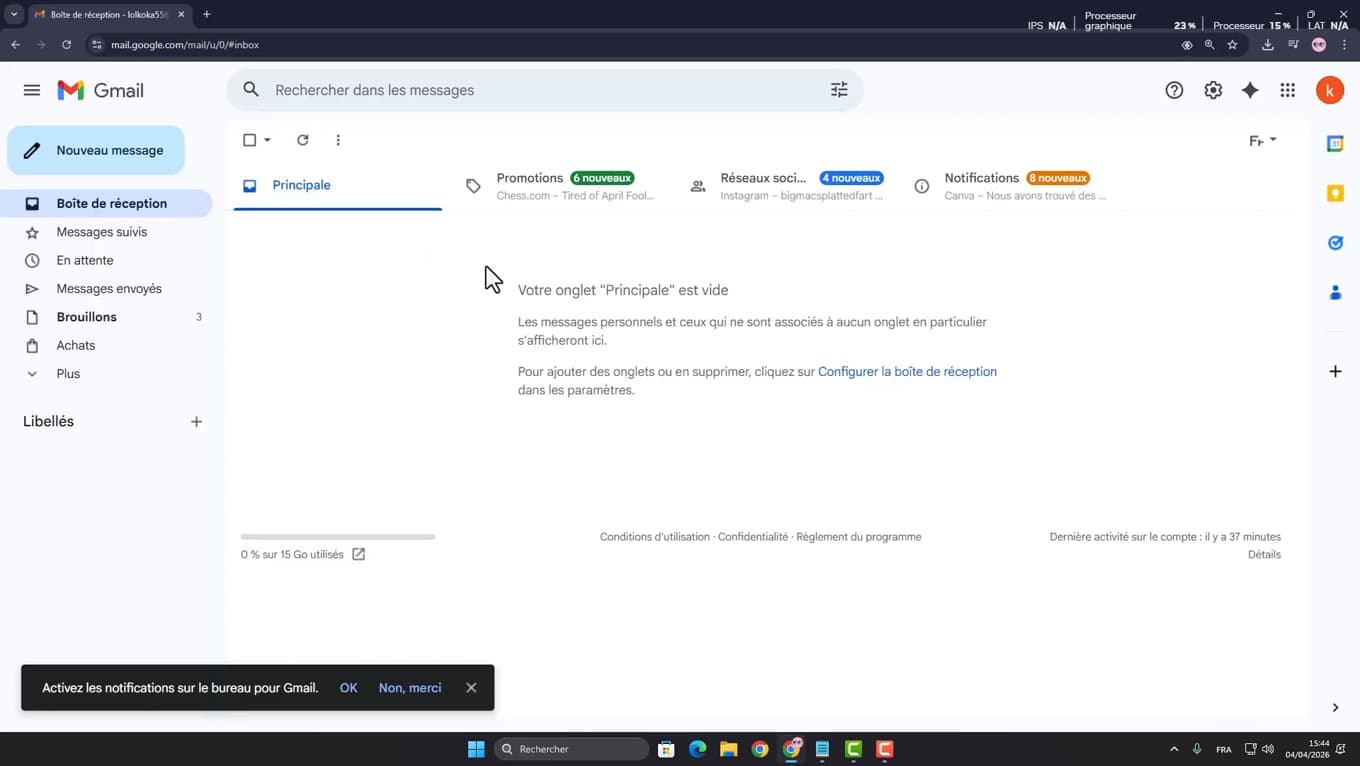
Recovery is easiest from Gmail on a computer. Open your browser, go to "gmail.com" and sign in to your account.
Open the trash and restore
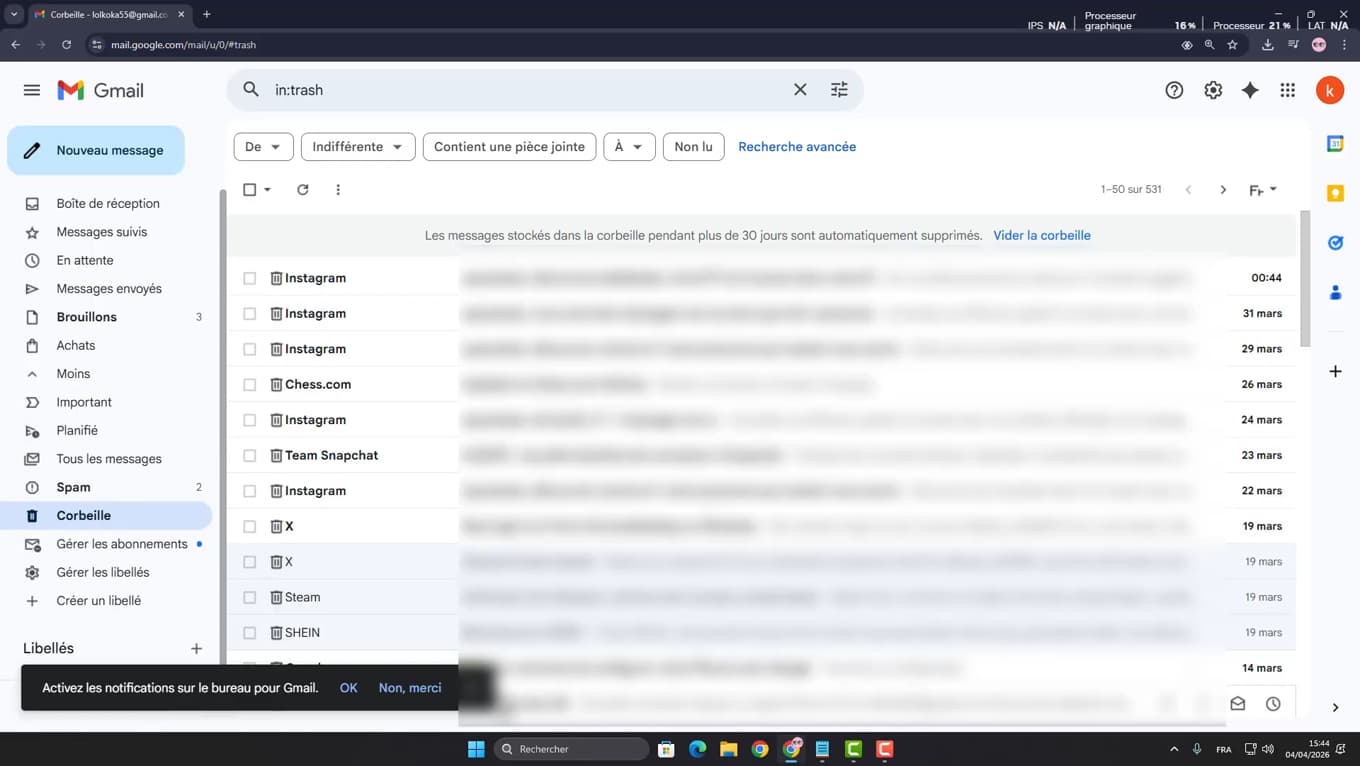
In the trash, "Move to" → "Inbox" restores the email. In the left menu, open "Trash" (click "More" if it's hidden). If the email is still there, select it, then click "Move to" and choose "Inbox".
Use the recovery tool
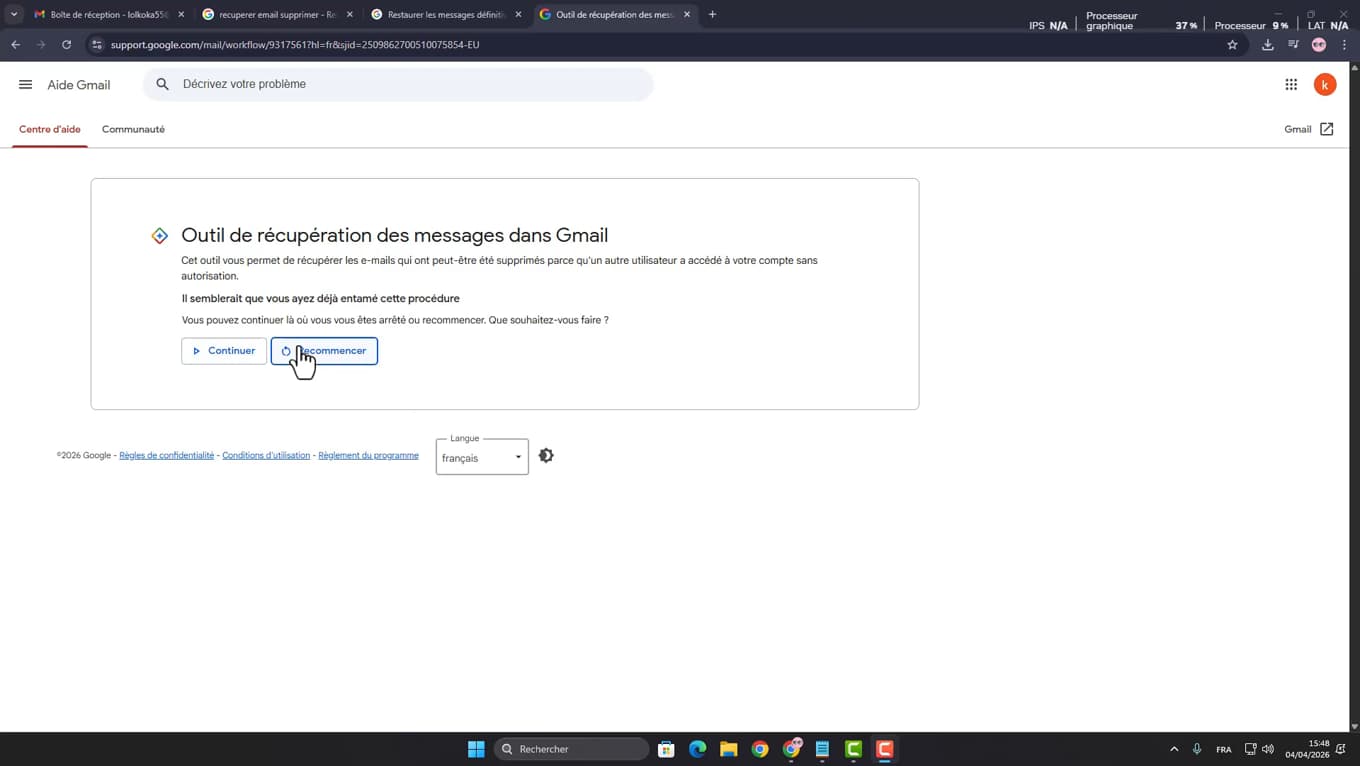
The "Message Recovery Tool" helps with erased emails. If the email was "permanently deleted" (more than 30 days in the trash), open Google's "Message Recovery Tool" and follow the prompts for your account.
Start the recovery
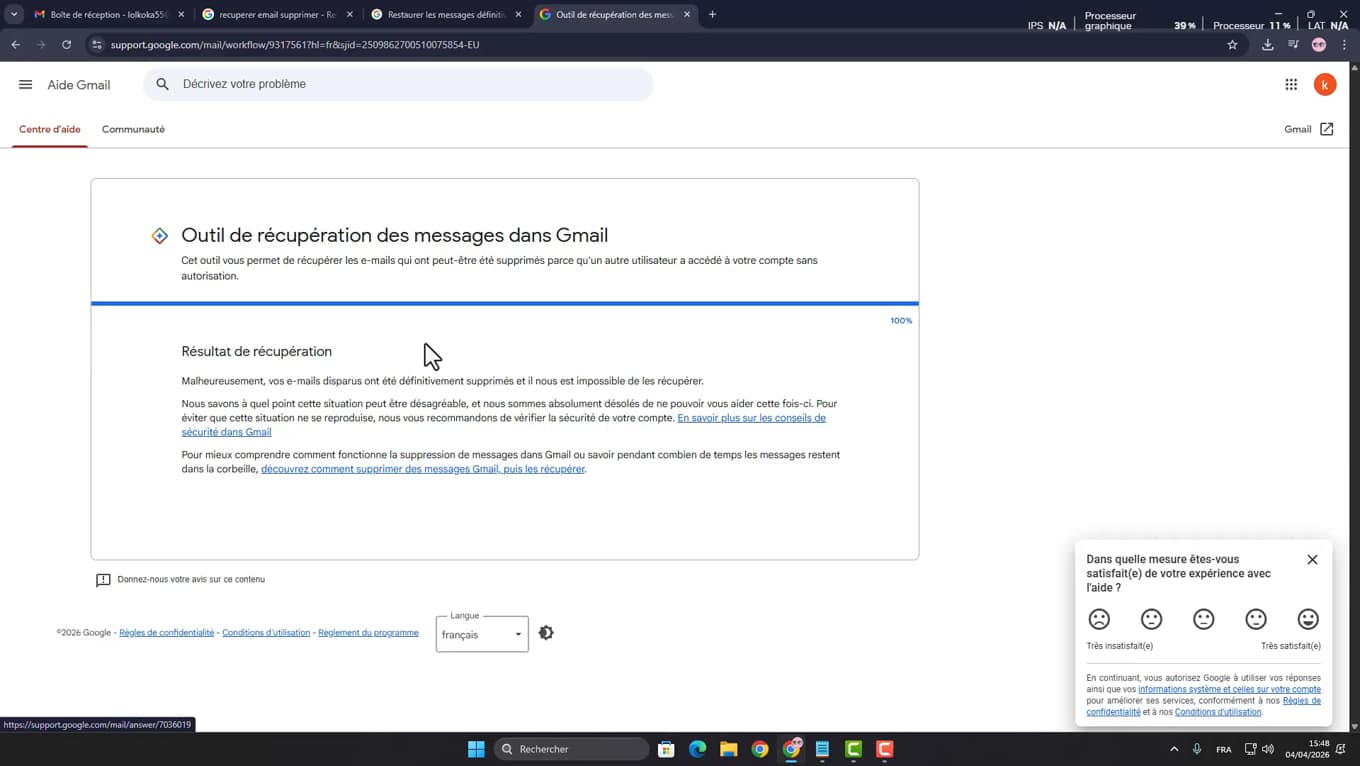
A summary confirms the messages recovered to your inbox. Confirm the request: Google runs a "recovery" and, where possible, puts the recovered messages back in your inbox. A summary tells you the result.
Good to know
The trash keeps deleted emails for "30 days": after that, they're permanently erased and only the recovery tool (with no guarantee of success) can help.
Good to know
- Empty the trash rarely: it's your best safety net.
- The "Message Recovery Tool" works mainly on accounts recently affected (hacking, mass deletion).
- Also check the "Spam" and "All Mail" folders: the email is sometimes simply archived there.
Frequently asked questions
- How long does an email stay in the Gmail trash?
- 30 days. After that, Gmail permanently deletes emails from the trash. Restore them before then to be sure of getting them back.
- Can a permanently deleted email be recovered?
- It's less certain, but Google's Message Recovery Tool can sometimes manage it, especially after a recent hack or mass deletion.
- Where should I look before deciding an email is lost?
- Check the Trash, Spam and "All Mail" folders: a "missing" email is often simply archived or moved, not deleted.
Related tutorials
 GmailHow to Recover a Gmail Account Without a PasswordLost both the password and phone number for your Gmail account? Here's how to regain access using Google's account recovery form, step by step.
 GmailHow to Create a Gmail Account Without a Phone NumberWant a new Gmail address without giving out your number? Here's how to create a Google account and skip the phone step, when it's possible.