
How to create a Netflix account
Ready to finally access the catalog of movies and shows? You can create a Netflix account in a few minutes at netflix.com. Here's how to do it, step by step.
Prefer a video? Watch the full tutorial below.
Creating a Netflix account, step by step
Go to Netflix
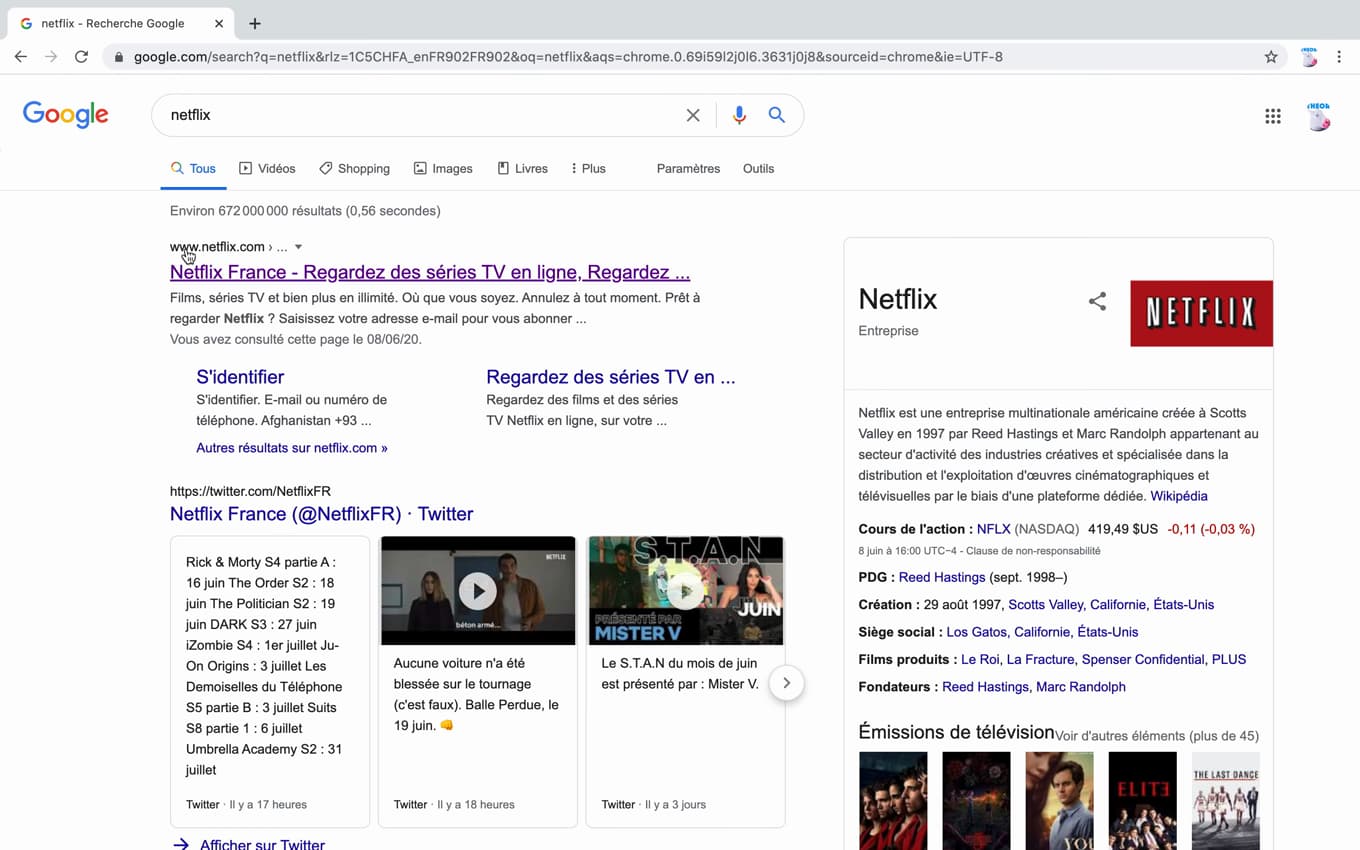
"Get Started" begins the account creation. On "netflix.com", click "Get Started" (or enter your email, then "Get Started").
Choose your plan
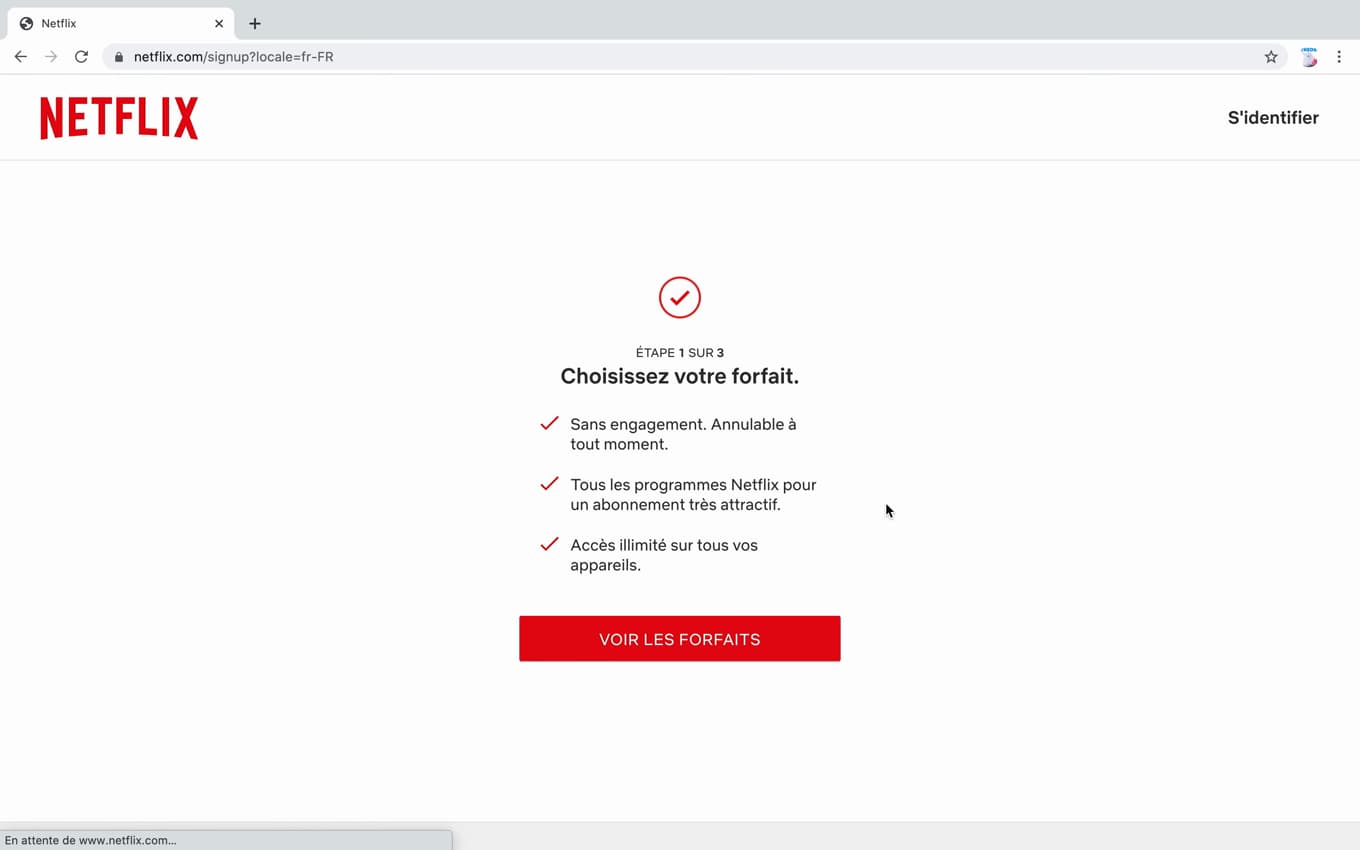
Plans differ in picture quality and the number of screens. Netflix shows the plans (Standard with ads, Standard, Premium). Select the one that suits you, then "Next".
Set the password and pay
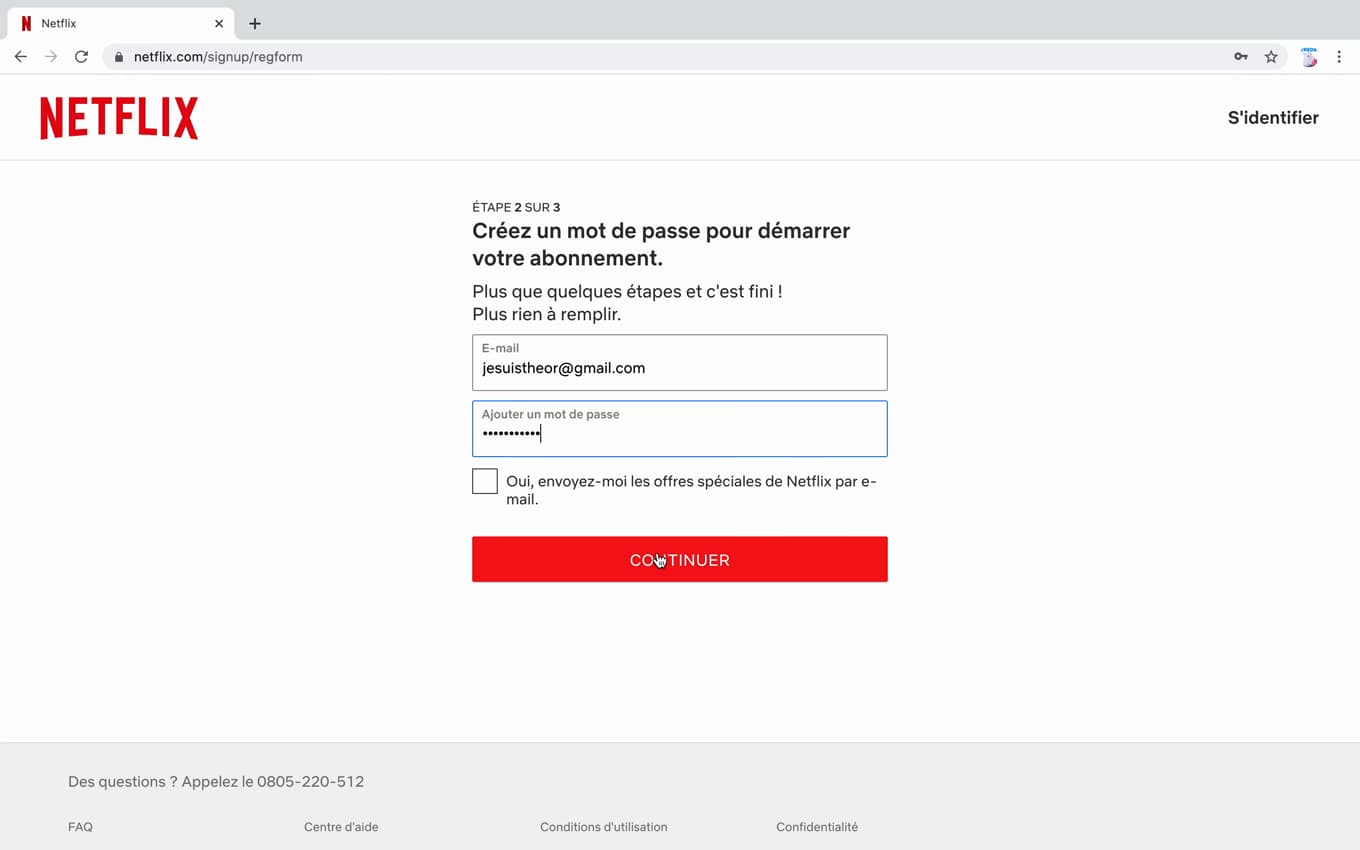
A password and a payment method complete the sign-up. Set your "password", then enter a "payment method" to complete the subscription.
Good to know
Your Netflix account is "created": you can watch on phone, tablet, computer and TV. The subscription has "no commitment" and can be canceled at any time.
Good to know
- The "Standard with ads" plan is the cheapest; "Premium" offers 4K and more screens.
- The subscription has "no commitment": you can cancel whenever you want.
- You can create several "profiles" to keep everyone's recommendations separate.
Frequently asked questions
- Can I create a Netflix account for free?
- Creating the account is free, but Netflix requires a paid subscription: there is no longer a free trial in France.
- Which Netflix plan should I choose?
- "Standard with ads" for the price, "Standard" for ad-free viewing, "Premium" for 4K and up to 4 screens at once.
- Can I cancel easily?
- Yes. The subscription has no commitment: you can cancel it anytime from "Account", with no fees.